Language
  EN
EN RU
RU ES
ES DE
DE EL
EL IT
IT JA
JA KO
KO PT
PT ID
ID SR
SR UK
UK VI
VI TH
TH TR
TR MS
MS BE
BE AR
ARLCR06 Professional LCR Meter_Usage Guide and Specifications
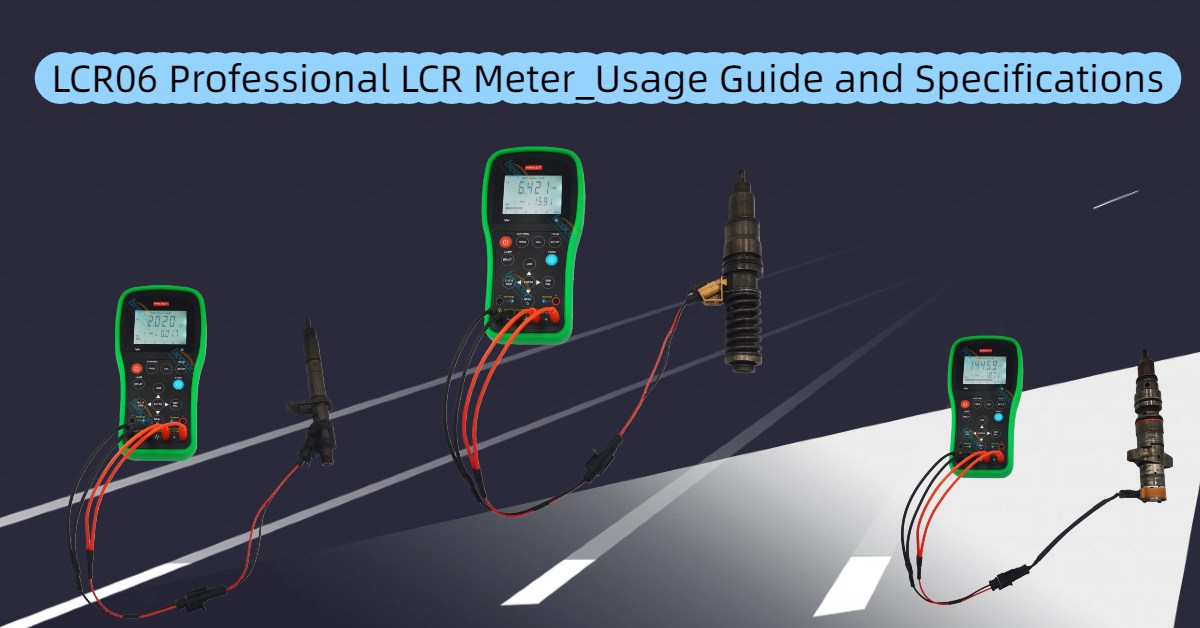
A Comprehensive Review and User Guide for the HW-LCR06 Professional LCR Meter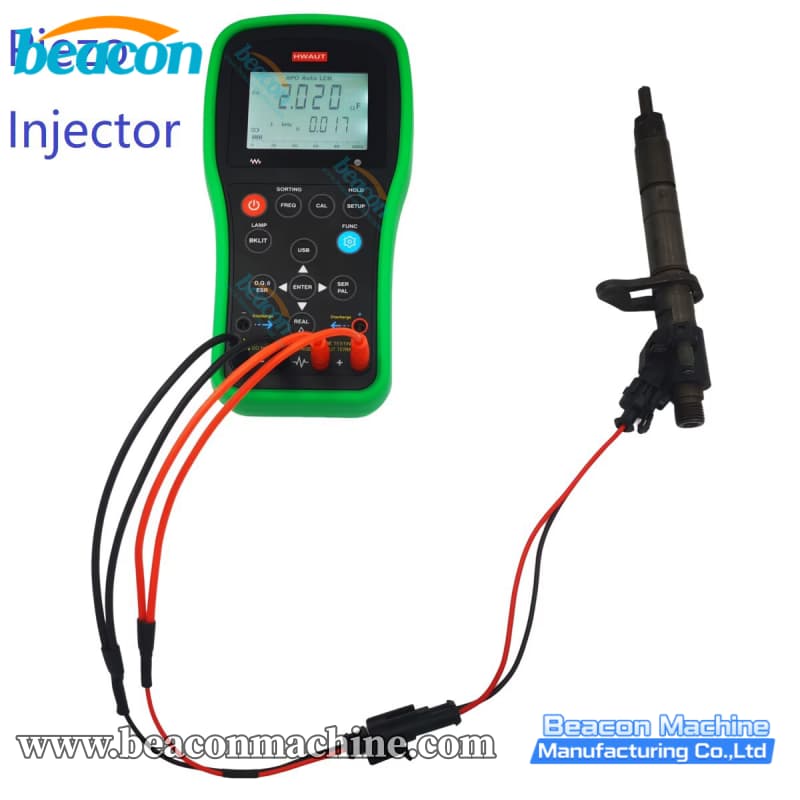
Introduction
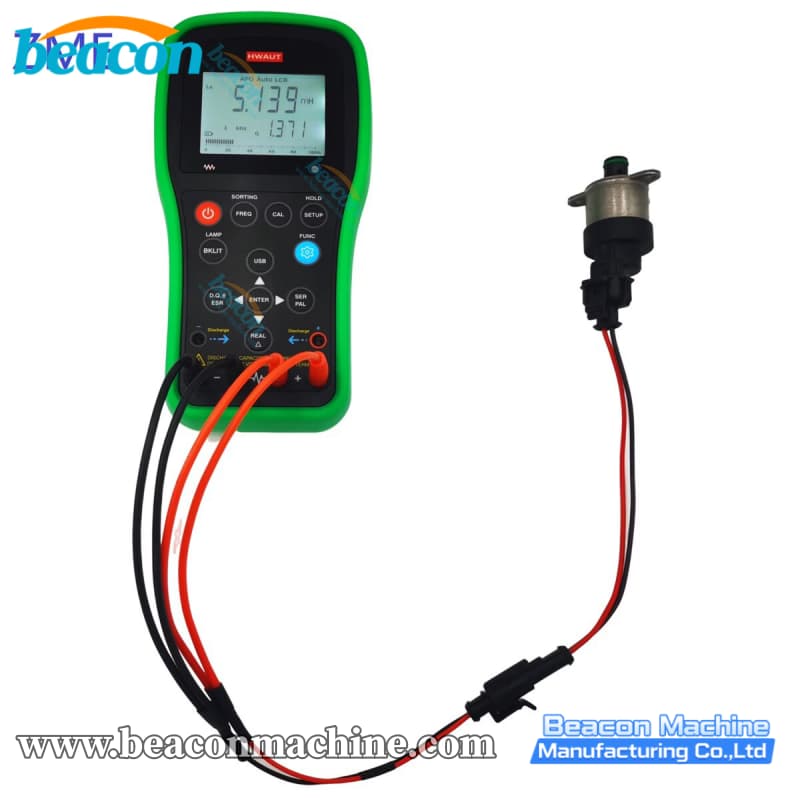
In the world of electronics repair and component testing, accuracy is everything. Whether you are an engineer, a hobbyist, or a maintenance technician, having a reliable tool to measure Inductance (L), Capacitance (C), and Resistance (R) is essential. Enter the HW-LCR06 Professional LCR Meter.
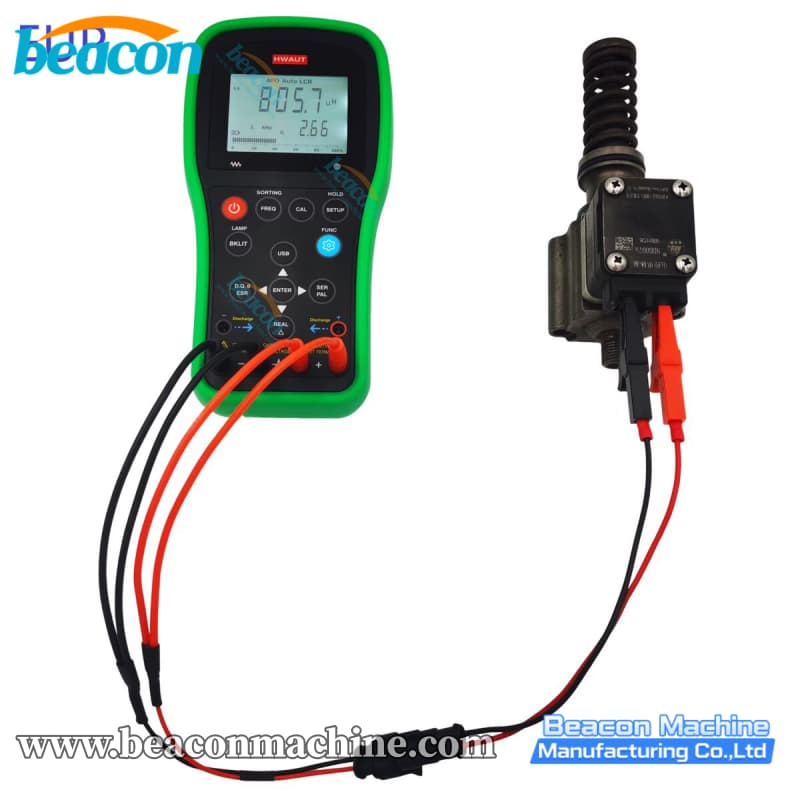
Unlike standard multimeters, this digital bridge meter offers advanced impedance measurement capabilities, including ESR (Equivalent Series Resistance) and phase angle detection. In this guide, we will dive into the features, technical specifications, and practical usage tips for the HW-LCR06.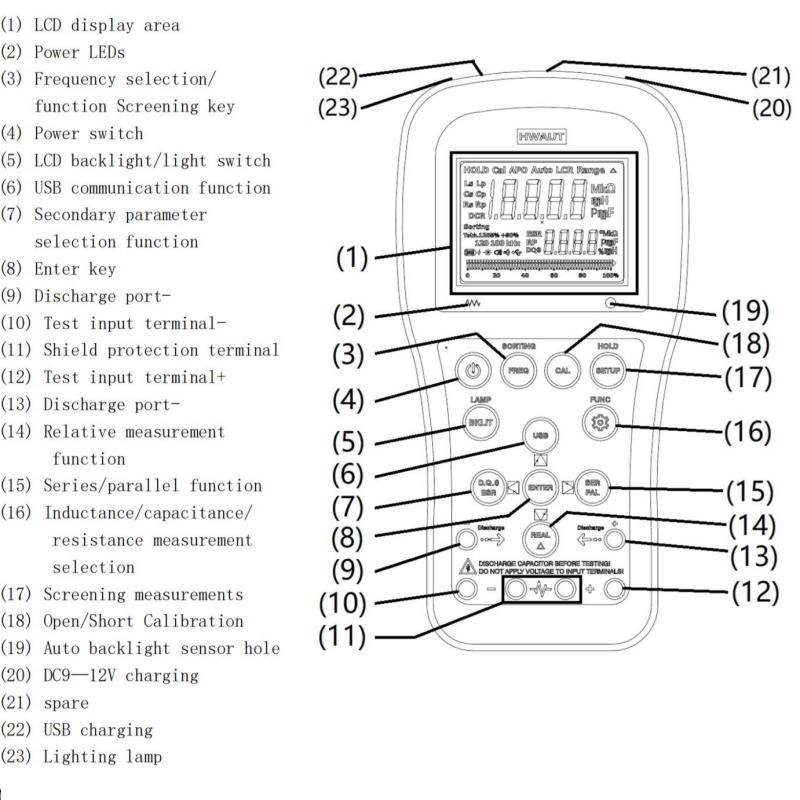
Why Choose the HW-LCR06? Key Features
The HW-LCR06 is designed for versatility. Here is why it stands out in the handheld LCR meter market:
Wide Frequency Range: It supports 5 testing frequency points: 100Hz, 120Hz, 1kHz, 10kHz, and 100kHz. This allows for precise testing of components that behave differently at higher frequencies.
Comprehensive Parameters: Beyond basic L/C/R, it measures DCR (DC Resistance), Q (Quality Factor), D (Loss Factor),
(Phase Angle), and ESR.
Intelligent Auto-Mode: The device automatically identifies the component type and selects the appropriate series or parallel measurement mode.
Flexible Power Options: It can be powered by a standard 3.7V lithium battery, a 9V alkaline battery, or via USB (5V) / DC power (9-12V).
Screening Function: Perfect for quality control, the sorting mode helps you quickly screen components based on percentage tolerance (from ±0.25% to +80%/-20%).
Technical Specifications at a Glance
The HW-LCR06 packs impressive accuracy for a portable device:
Inductance (L): 20mH – 2000H (Accuracy: 0.5%)
Capacitance (C): 200pF – 20mF (Accuracy: 0.5%)
Resistance (R): 20Ω – 200MΩ (Accuracy: 0.3%)
Display: Main LCD for primary values + Sub LCD for secondary parameters (D, Q, ESR, etc.).
Note: Accuracy is best within specific ranges detailed in the user manual.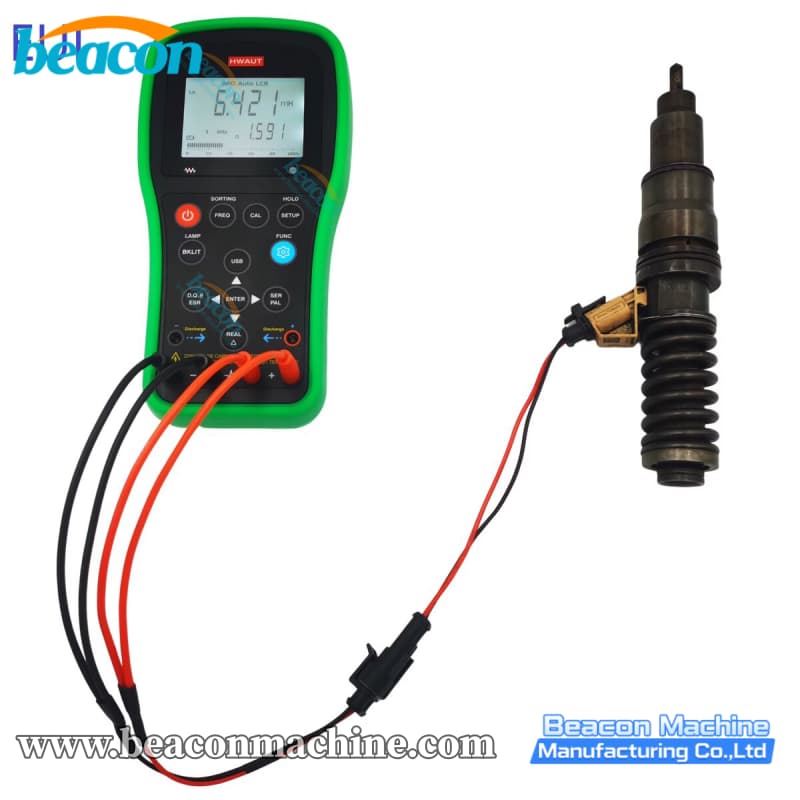
User Guide: How to Get the Best Results
To ensure you get the most accurate readings, follow these operation guidelines based on the official manual:
1. Series vs. Parallel Measurement
The HW-LCR06 usually selects this automatically, but knowing the logic helps:
Series Mode: Best for Low Impedance components (< 10kΩ).
Parallel Mode: Best for High Impedance components (> 10kΩ).
2. Calibration (Open/Short)
Before critical measurements, you should calibrate the device to remove stray capacitance or resistance from the test leads.
Open Circuit Calibration: Press and hold the "CAL" key with the test probes separated.
Short Circuit Calibration: Insert the short-circuit plate or clip the probes together and press "CAL".
3. Measuring ESR
For capacitor health checks, measuring Equivalent Series Resistance (ESR) is vital. In "AUTO LCR" mode, if the series measurement mode is active, you can press the secondary parameter key to view the ESR value.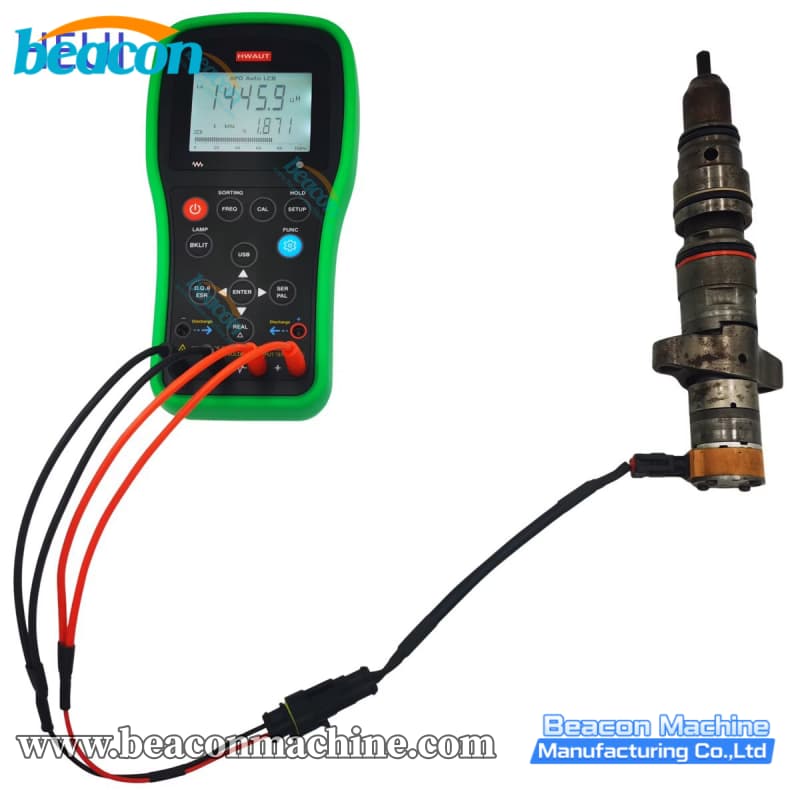
Safety First: Important Precautions
To avoid damaging your new instrument, please observe the following warnings from the manufacturer:
Discharge Capacitors:Strictly Forbidden to measure charged capacitors. Always discharge them completely before inserting them into the test port to prevent permanent damage.
No Live Circuits: Do not input voltage at the measuring port. Ensure the power supply of the circuit under test is cut off.
Environment: Avoid using the meter in dusty, explosive, or high-temperature environments.
Conclusion
The HW-LCR06 Professional LCR Meter balances performance and portability perfectly. With its ability to measure up to 100kHz and its handy sorting functions, it is a powerful upgrade from a standard multimeter.
contact us
TEL: +86-13375386258
Whatsapp:+86-13375386258
Email: jasonzheng@beacon-machine.com
Address: High Tech Industry Zone of East Tai an city,Shandong Province,China